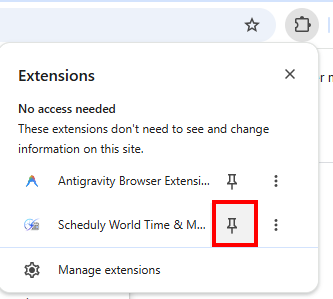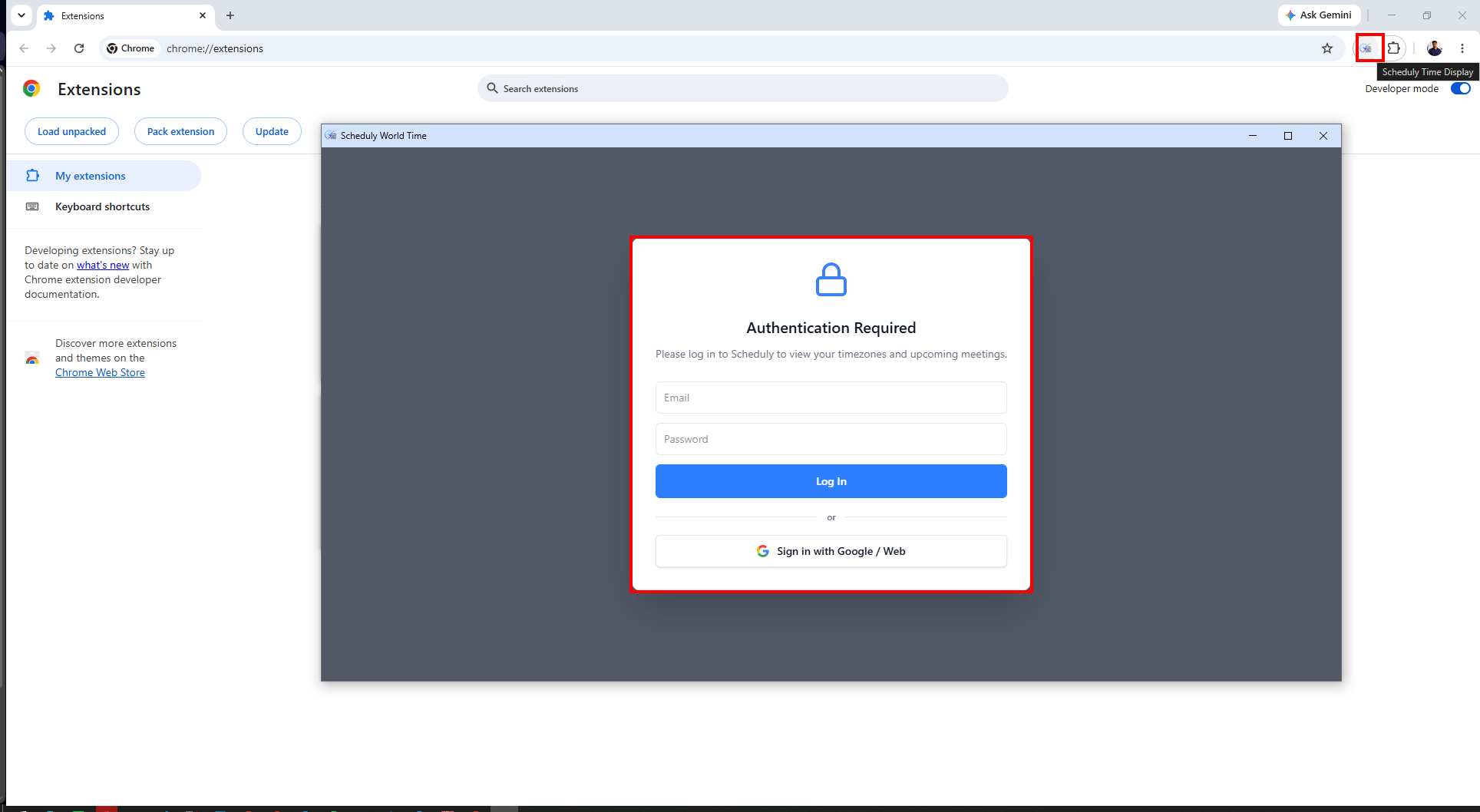
Follow these simple steps to install the Instant extension manually.
First, download the extension package and extract the ZIP file to a folder on your computer.
Download Extension ZIP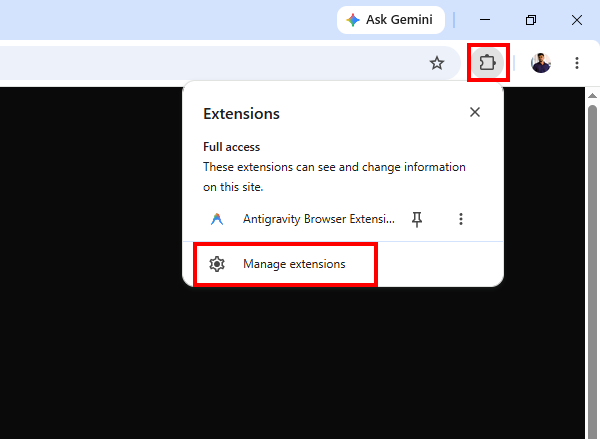
Click on the puzzle piece icon (Extensions) in your browser toolbar and select Manage extensions.
Alternatively, you can copy and paste the following URL into your browser's address bar depending on your browser:
chrome://extensionsedge://extensionsopera://extensionsbrave://extensions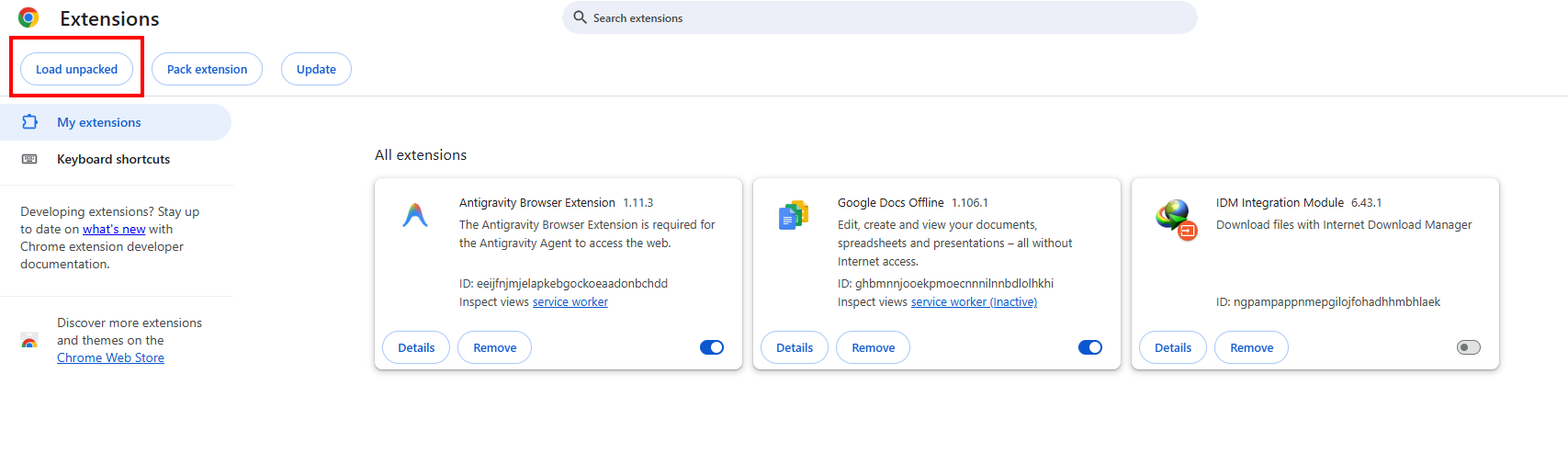
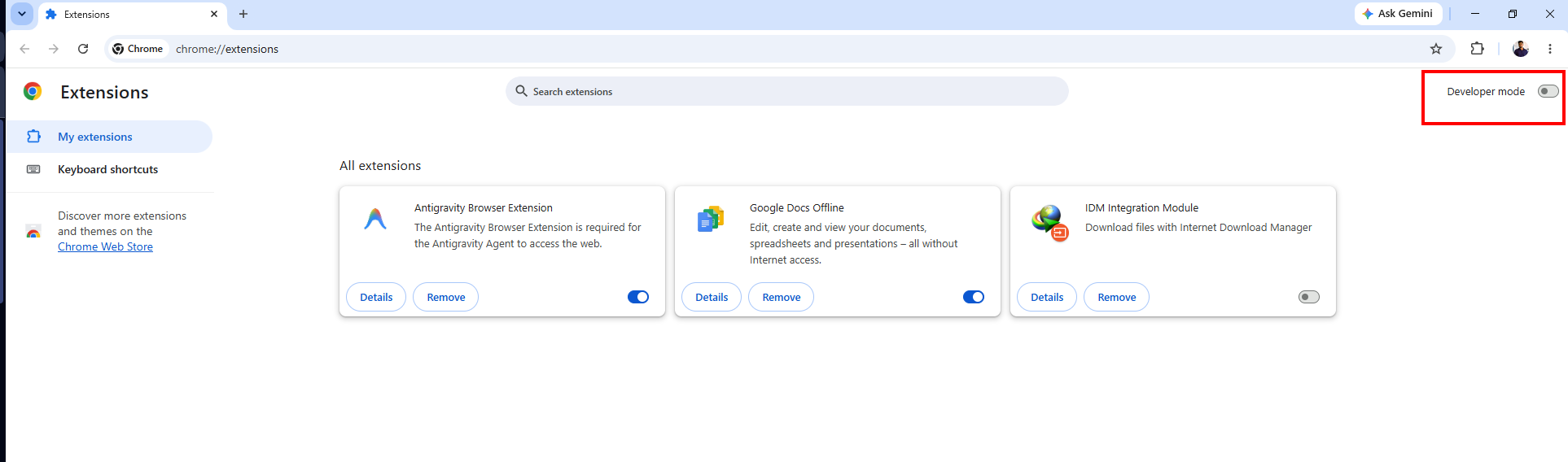
In the top right corner (or bottom left, depending on the browser) of the extensions page, look for the Developer mode toggle switch and turn it ON. If it is disabled, click the toggle to enable it.
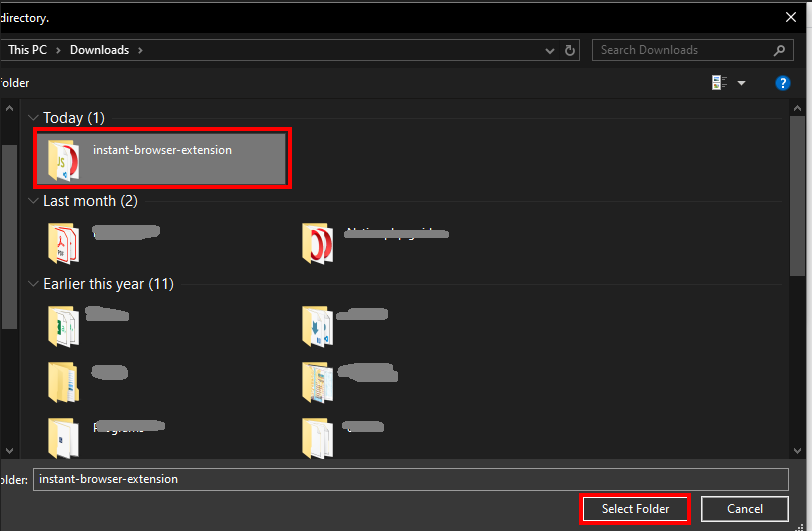
Click the Load unpacked button that appears after enabling Developer Mode. Select the folder where you extracted the extension ZIP file in Step 1. The extension should now be installed and ready to use!